Search and Bookmark
OceanGraph provides search capabilities to find Argo float profiles based on geographic, temporal, and data quality criteria.
Search Methods
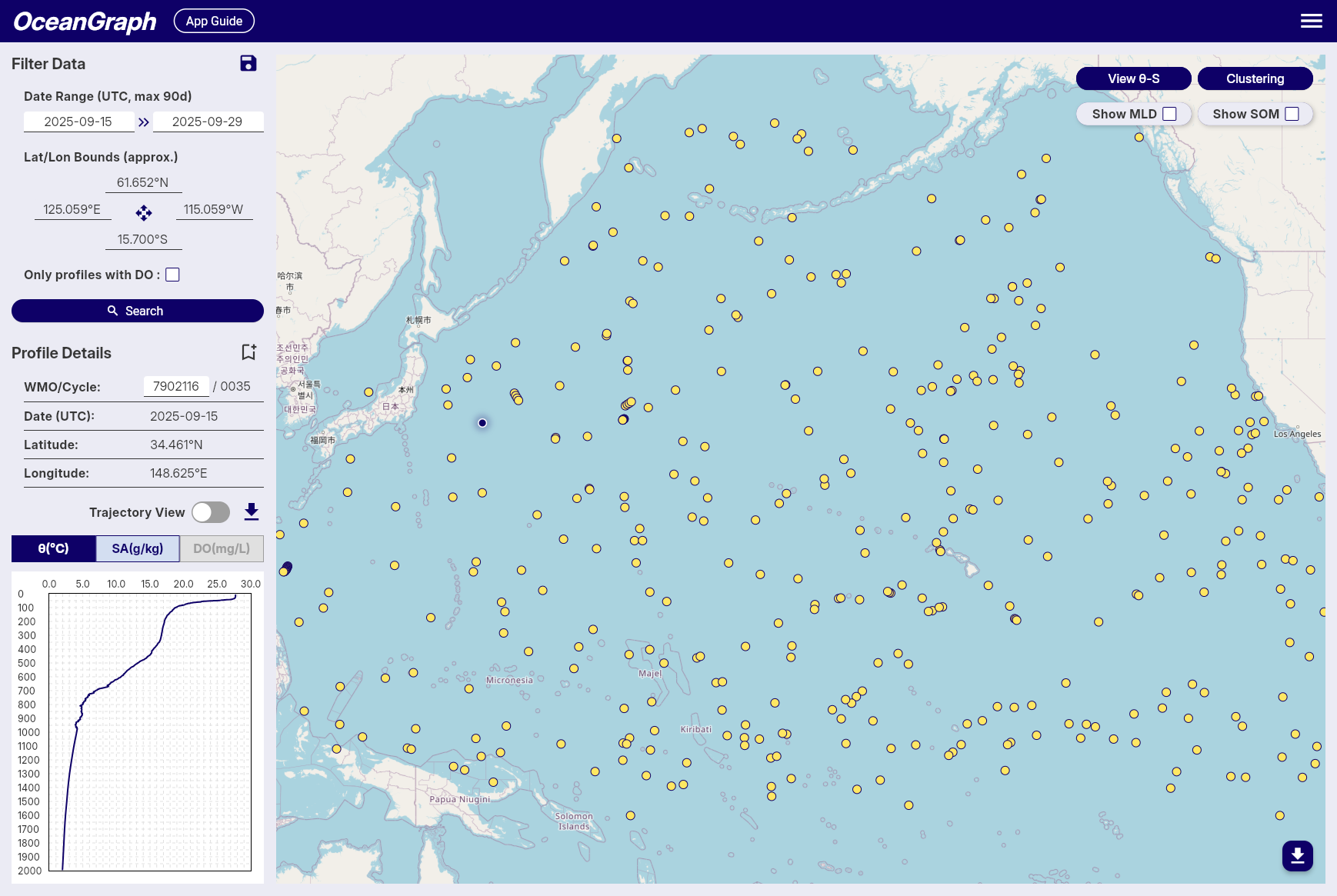
Filter Data Panel
-
Date Range
- Available: October 1999 to present
- Click date fields to select start and end dates
- All times in UTC
-
Geographic Bounds
- Set by interacting with the map
- Coordinates displayed with N/S/E/W format
-
Data Quality
- "Only profiles with DO" checkbox for dissolved oxygen data
-
Save Search Conditions
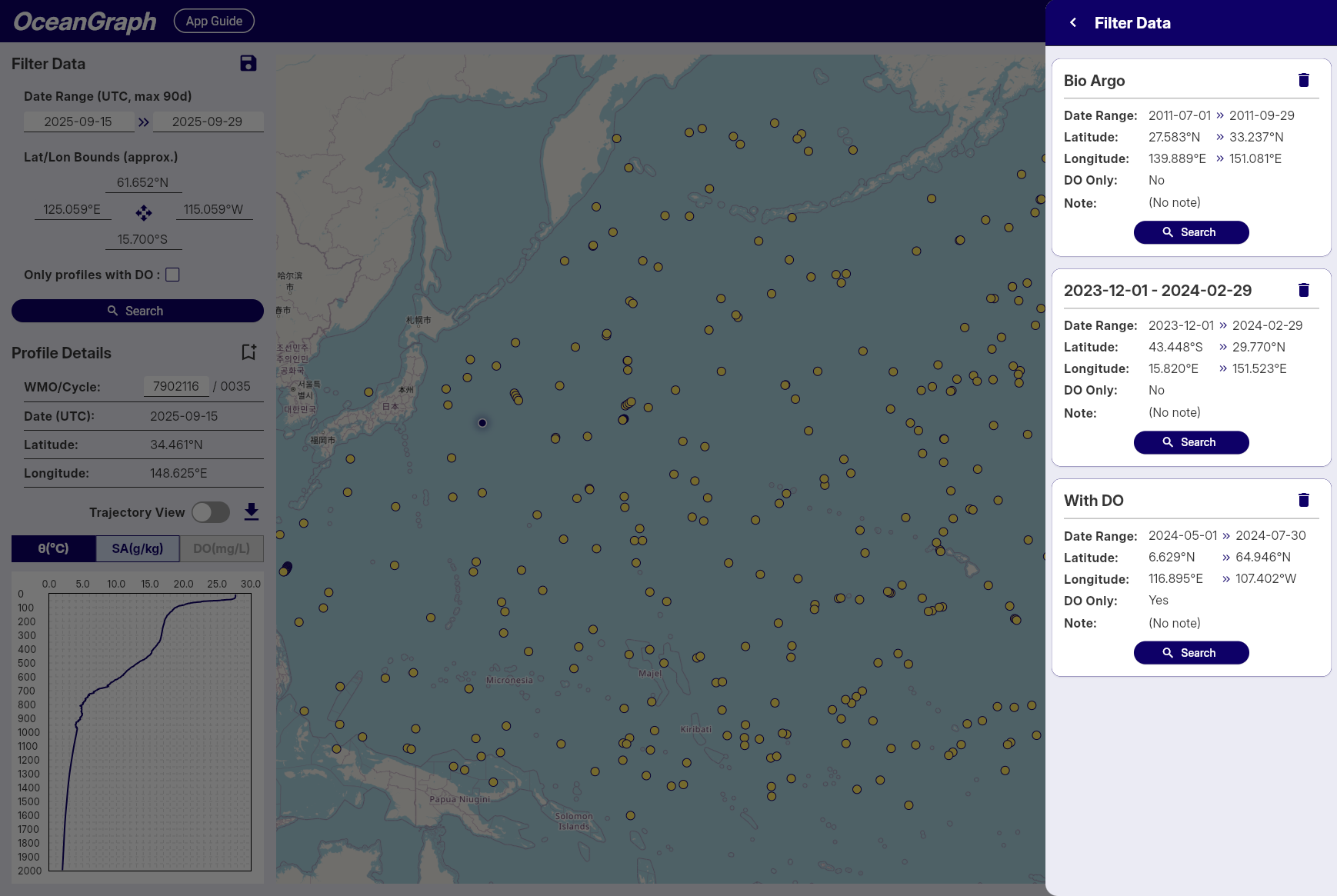
Note: Available to signed-in users only
- Click save icon to save current search parameters
- Automatic naming by date range
- Access saved searches across sessions
Profile Details Panel
-
WMO ID Search
- Enter WMO ID and press Enter
- Returns all profiles for that specific float
-
Profile Information
- WMO ID, Cycle Number, Date (UTC), Latitude, Longitude
-
Bookmark Profiles
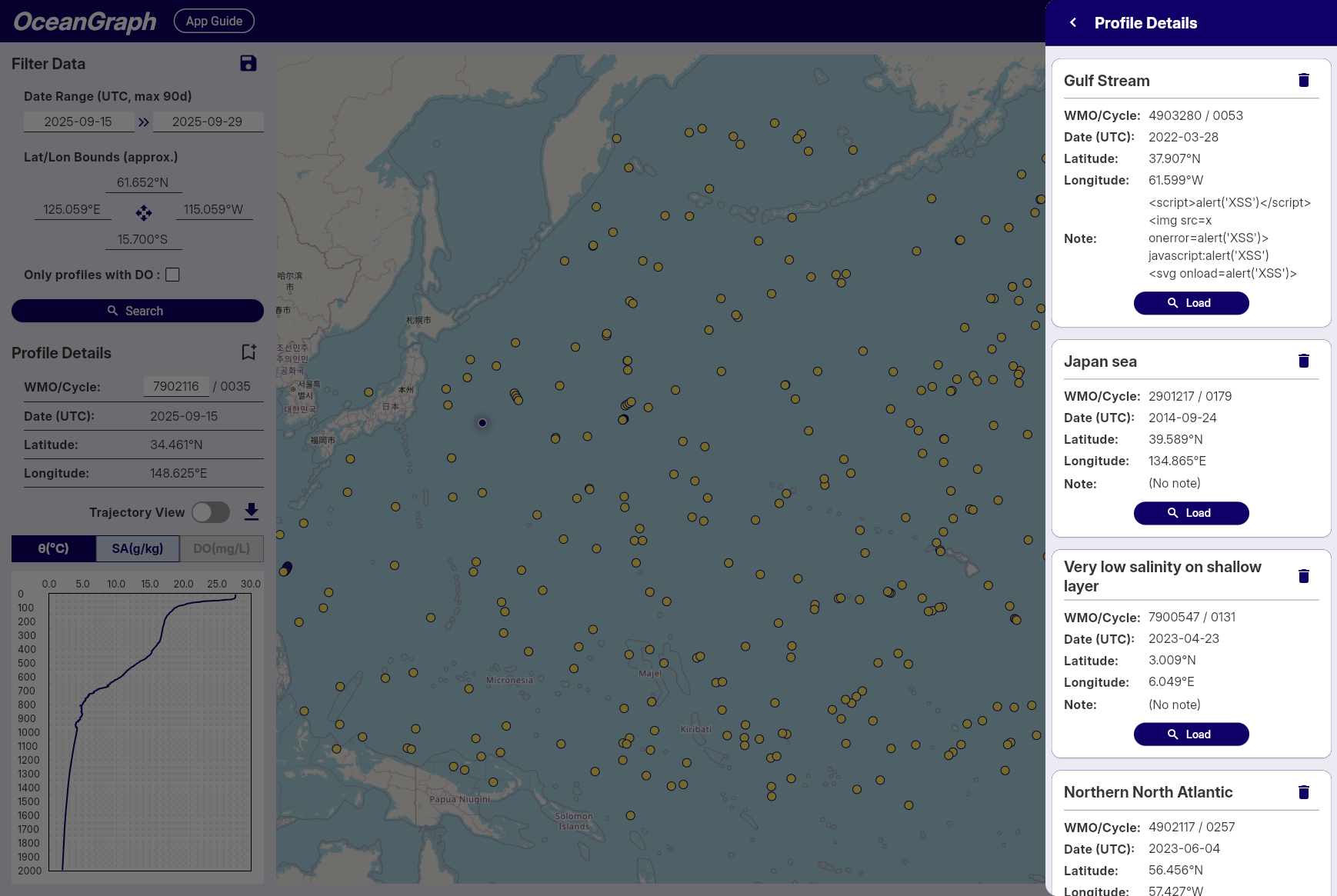
Note: Available to signed-in users only
- Click bookmark icon to save profiles
- Status indication prevents duplicates
- Access bookmarks across sessions
Search Results
- Result count notification
- Profiles displayed as map markers
- Click markers to view profile details
Tips
- Start with broad searches, then narrow down
- Use dissolved oxygen filter for biogeochemical studies
- Save frequently used search patterns
- Bookmark important profiles for future reference
- Rate Limits: Signed-in users enjoy higher rate limits. If you experience access restrictions, consider creating a free account for uninterrupted access.